1 - Lab setup
You can find the room here and it's a FREE challenge room.
I used my Kali machine with OpenVPN but you can use the Attackbox as well.
2 - Connecting to the website
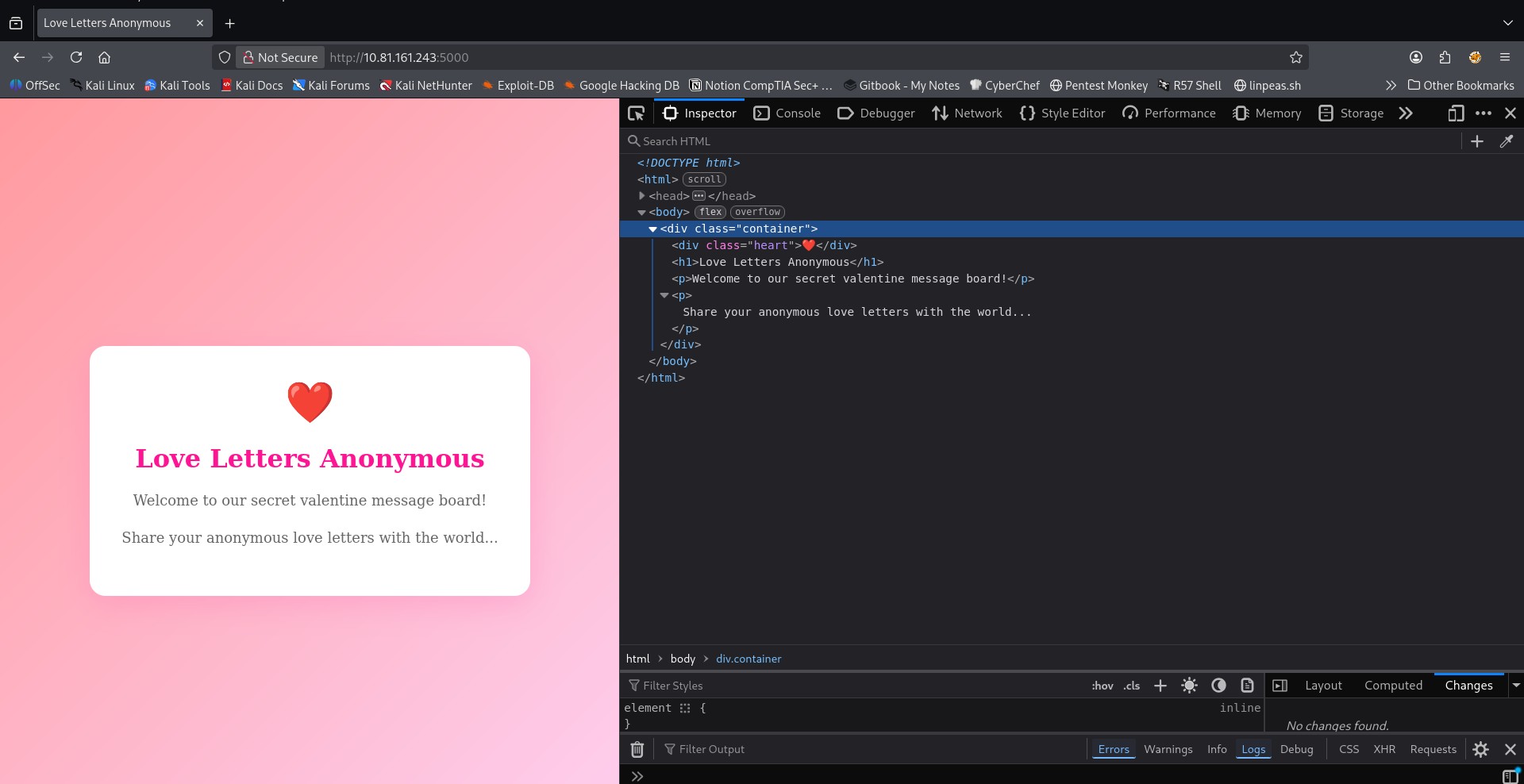
I connected to the website and inspected the source code. There didn't seem to be any point of entry such as form input fields or scripts.
3 - GoBuster
I decided to enumerate the directories in the website to see if there are any accessible endpoints.
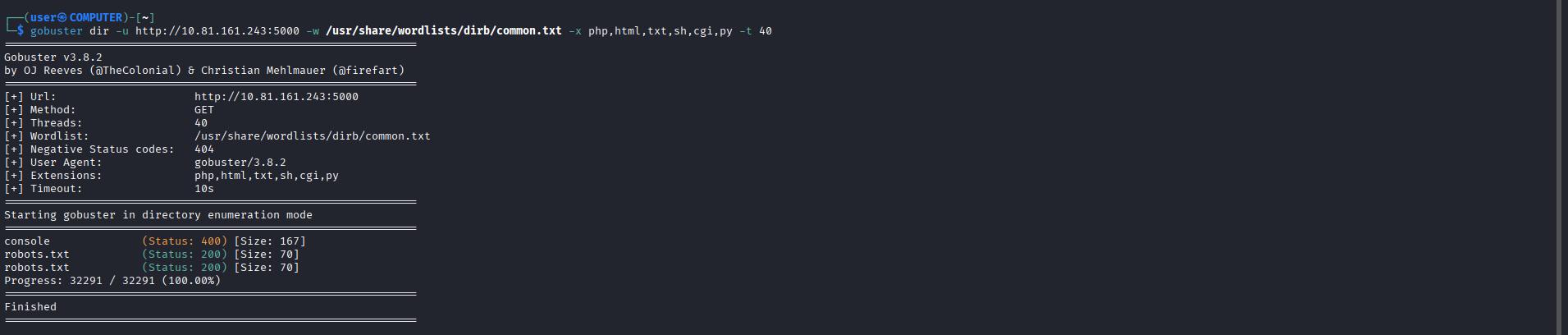
I found robots.txt and within were 2 values of interest:
/cupids_secret_vault/ and cupid_arrow_2026!!!

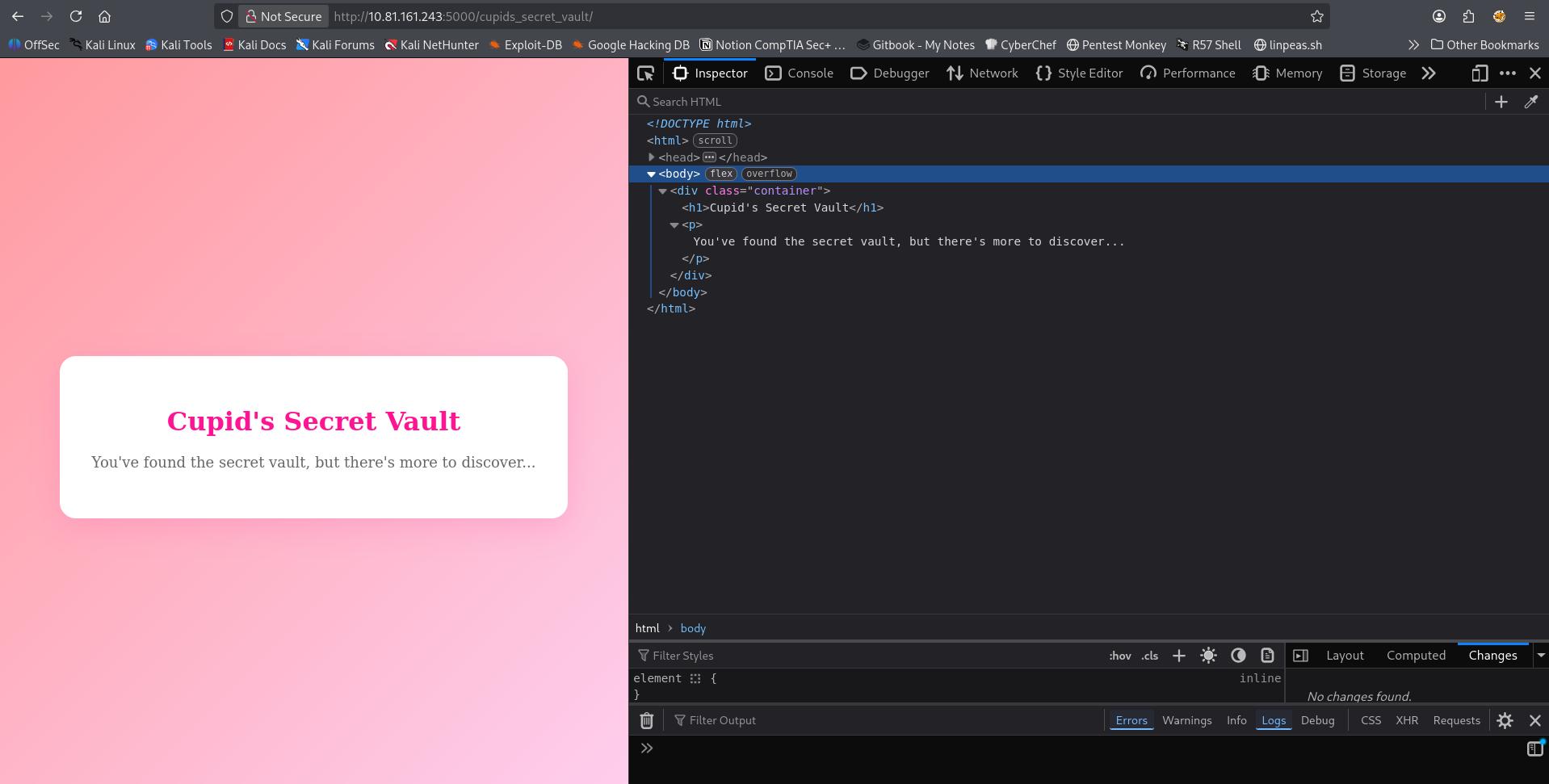
I copied both values into mousepad and decided to check if /cupids_secret_vault/ is a hidden directory. It indeed was and I found a new landing page.
4 - Inspecting /cupids_secret_vault/
Upon inspecting the source code I couldn't find anything of interest.
5 - Running GoBuster on /cupids_secret_vault/
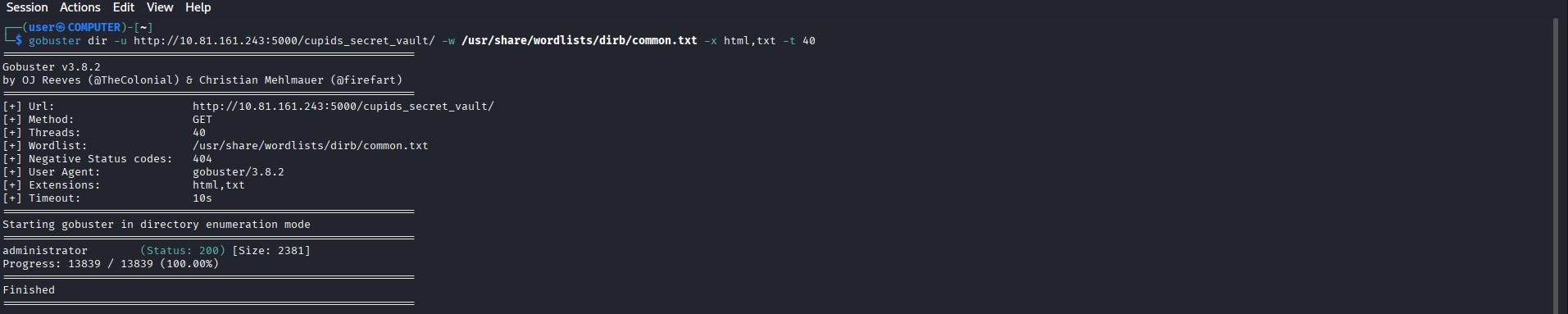
Since I couldn't find anything I decided to run GoBuster again to see see if there were any other hidden pages and indeed and I found administrator!
6 - Inspecting /cupids_secret_vault/administrator
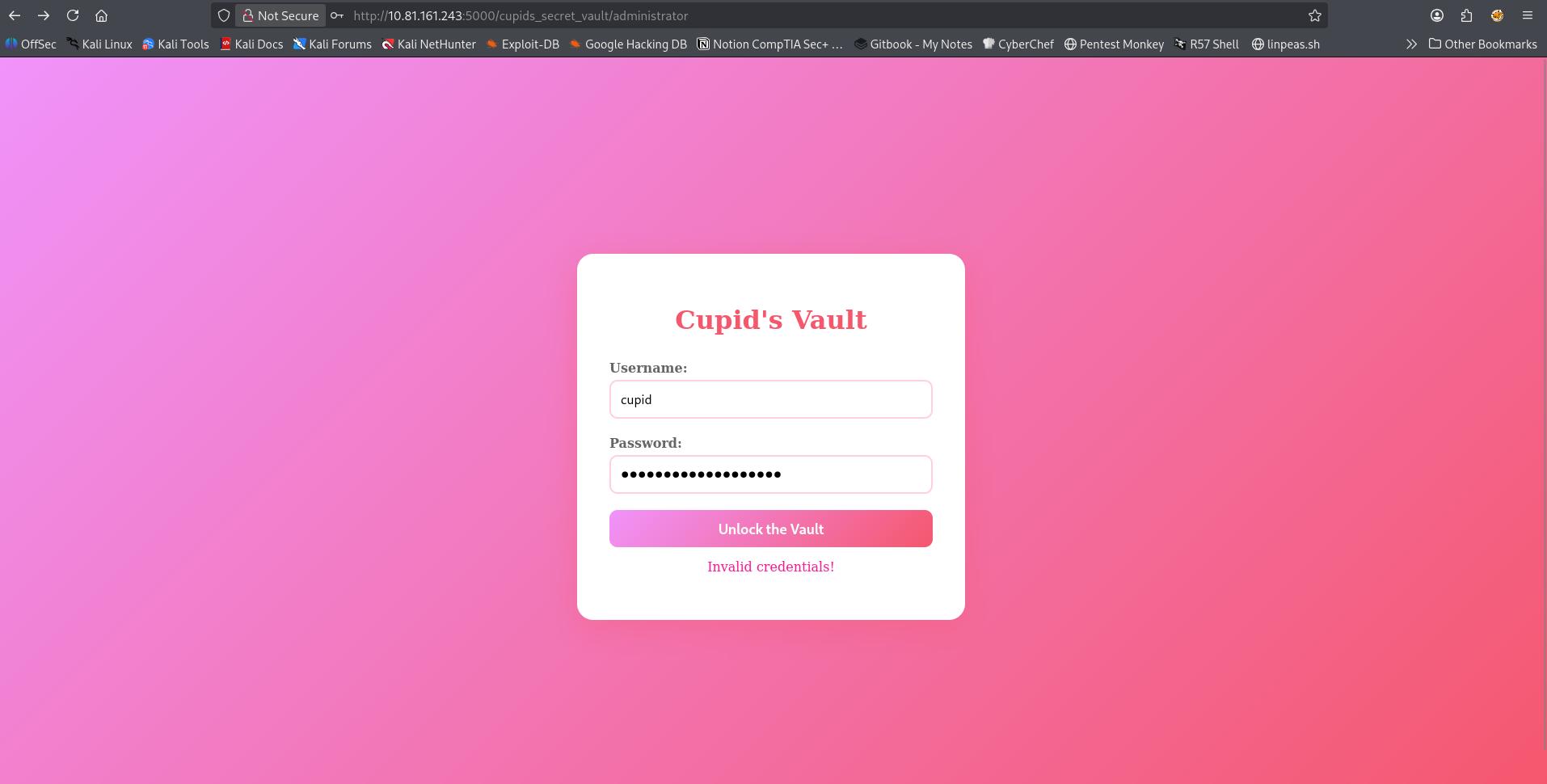
Visiting the administrator page, I found a login portal. Reflecting back on my mousepad notes I guessed that cupid_arrow_2026!!! is the password and that cupid would be the username. That didn't work. I tried a few other variations and finally admin turned out to be the correct username.
7 - Flag
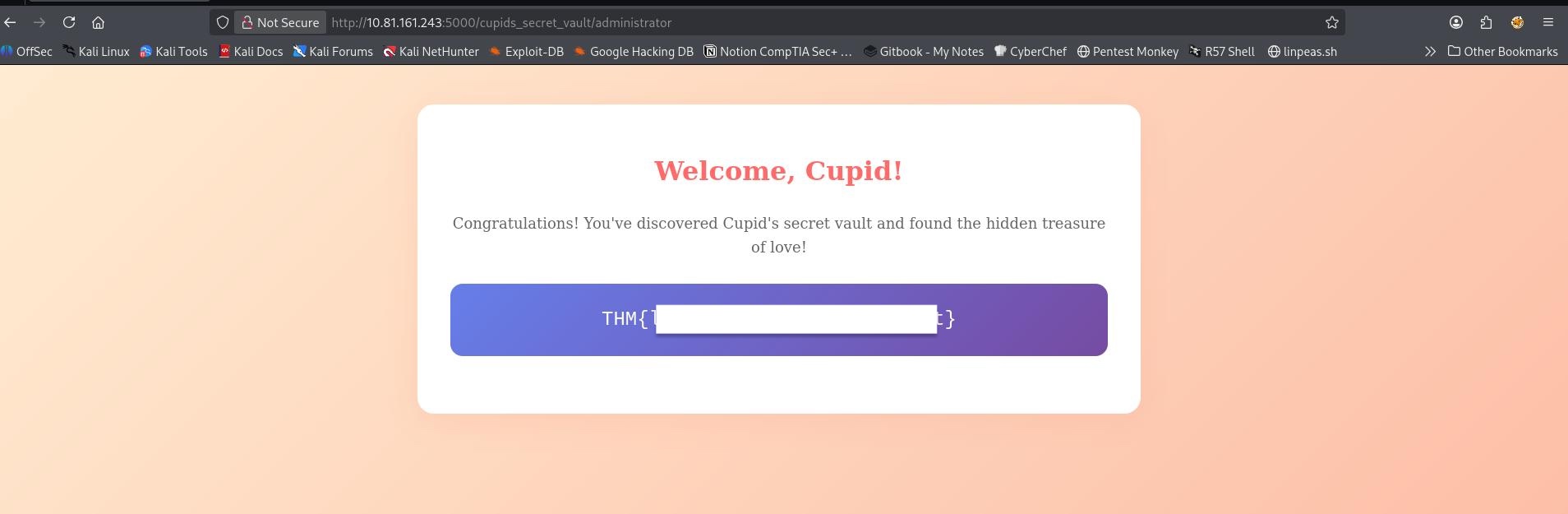
Upon logging in with correct username and password. The flag is presented to you:
Recap
- The website didn't have any clear entry points on the landing page.
- I ran GoBuster to see if there were any hidden pages and I found the path of a hidden page as well as a string that looked like a password within robots.txt.
- I navigated to the path of the hidden page I found in robots.txt but I didn't find anything of interest so I ran GoBuster again and found a login page.
- Initially I though Cupid would be the username but when that failed I tried the most common admin/Admin/Administrator combos until I was able to log in and capture the flag.
⚠️ Note: The text write up above was NOT edited or corrected by any AI tool and it's intentionally left this way with its' human flaws