1 - Lab setup
You can find the room here and it's a FREE challenge room.
I used my Kali machine with OpenVPN but you can use the Attackbox as well.
2 - Accessing the Web App
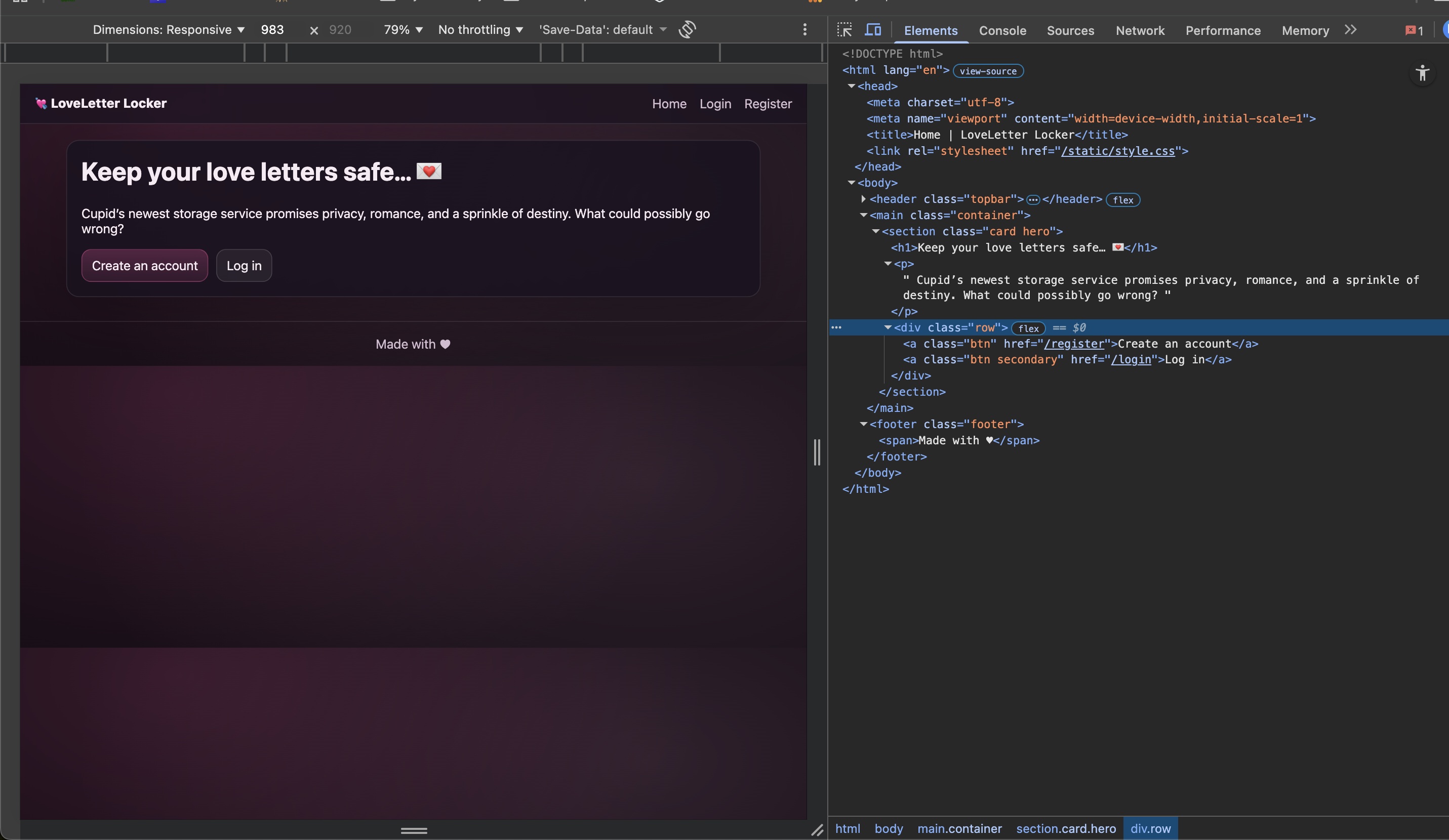
I took a look at the website and its’s source code. Nothing stood out at the point. There seemed to be a button to register and one to login.
3 - Rogue Login
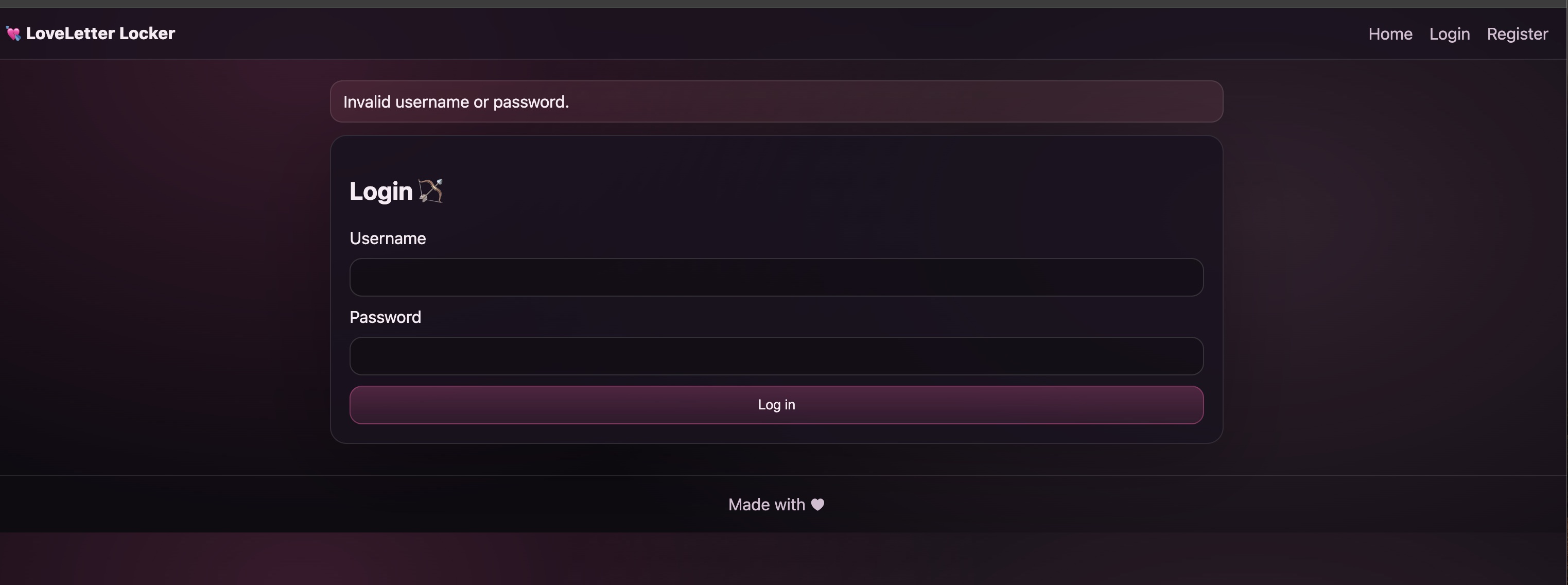
I wanted to test the login page logic before registering to see if the workflow is broken. I tried to login with random credentials or empty ones but those were refused.
4 - Registering An Account
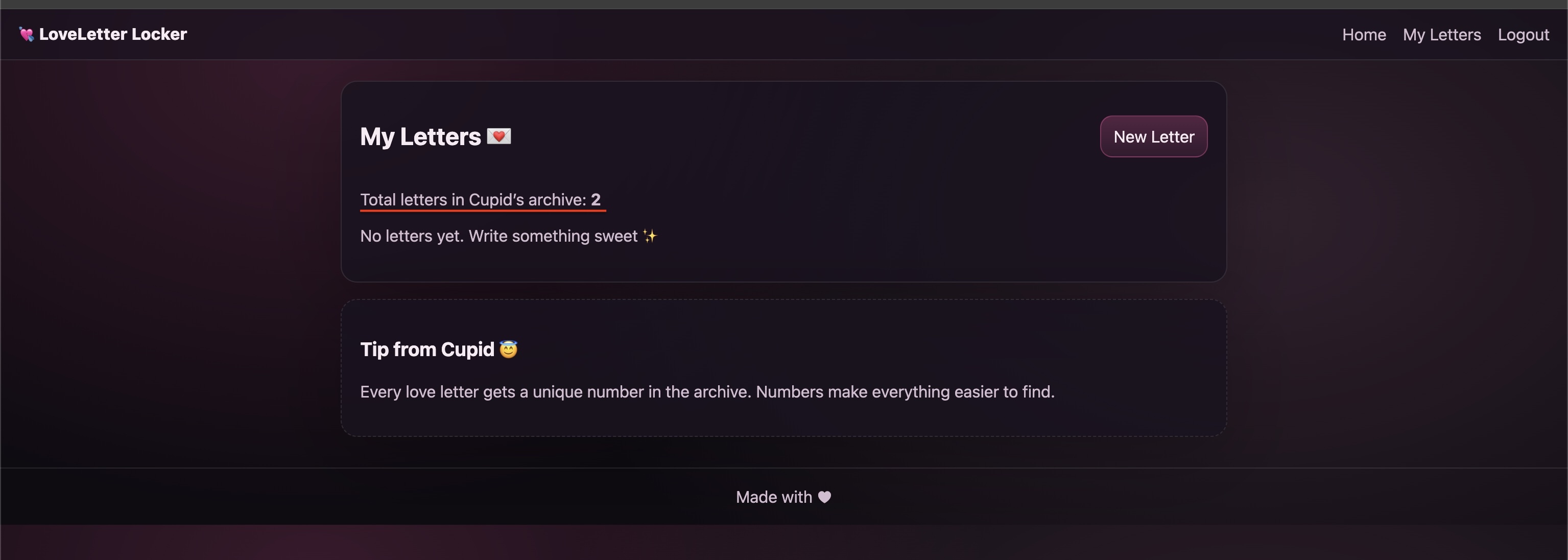
I decided to follow the account registration work flow and verify that I can login after registering. This workflow functioned as expected and I was able to login to the account I created. I noticed on the Dashboard (after logging in) that it says that there are 2 letters in the archive. I assumed that the challenge wants me to gain access to those letters.
5 -Exploring the Web App’s Functionality
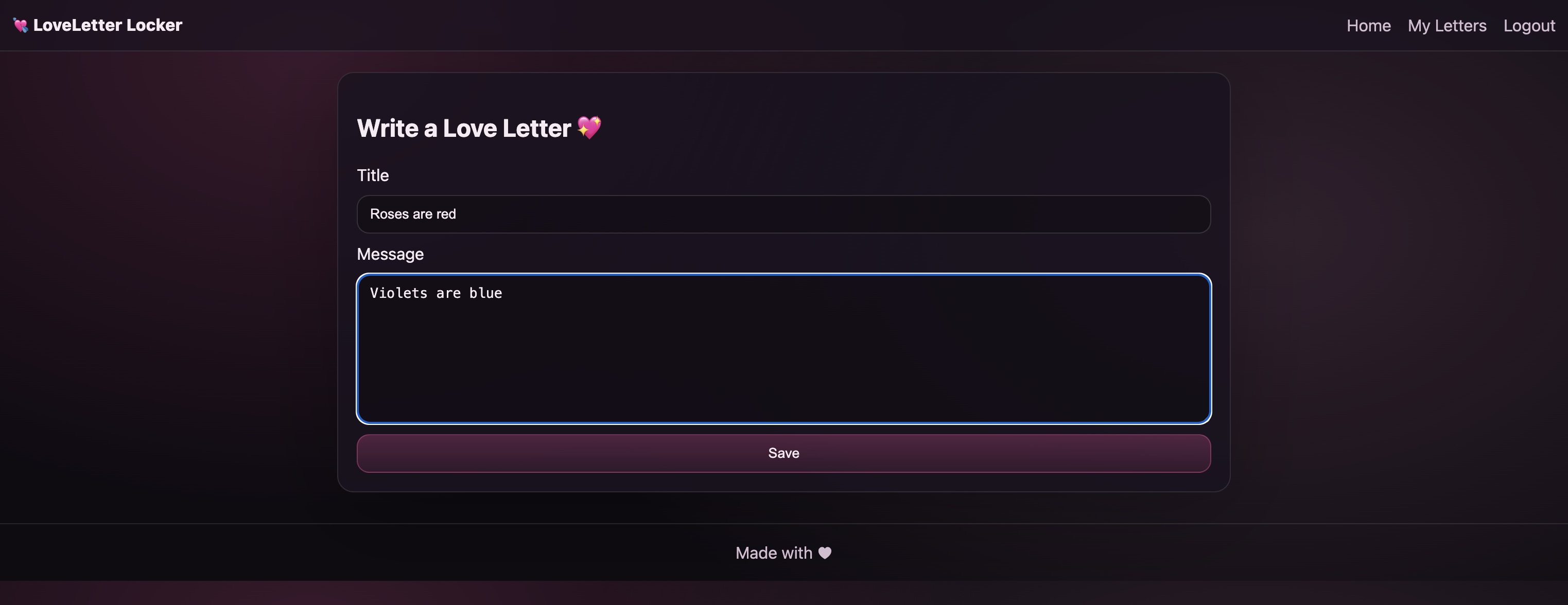
The only functionality I could see while logged in is the creation of letters through the New Letter button. I clicked New Letter, filled out the form and saved it.
6 - Re-Inspecting the Dashboard
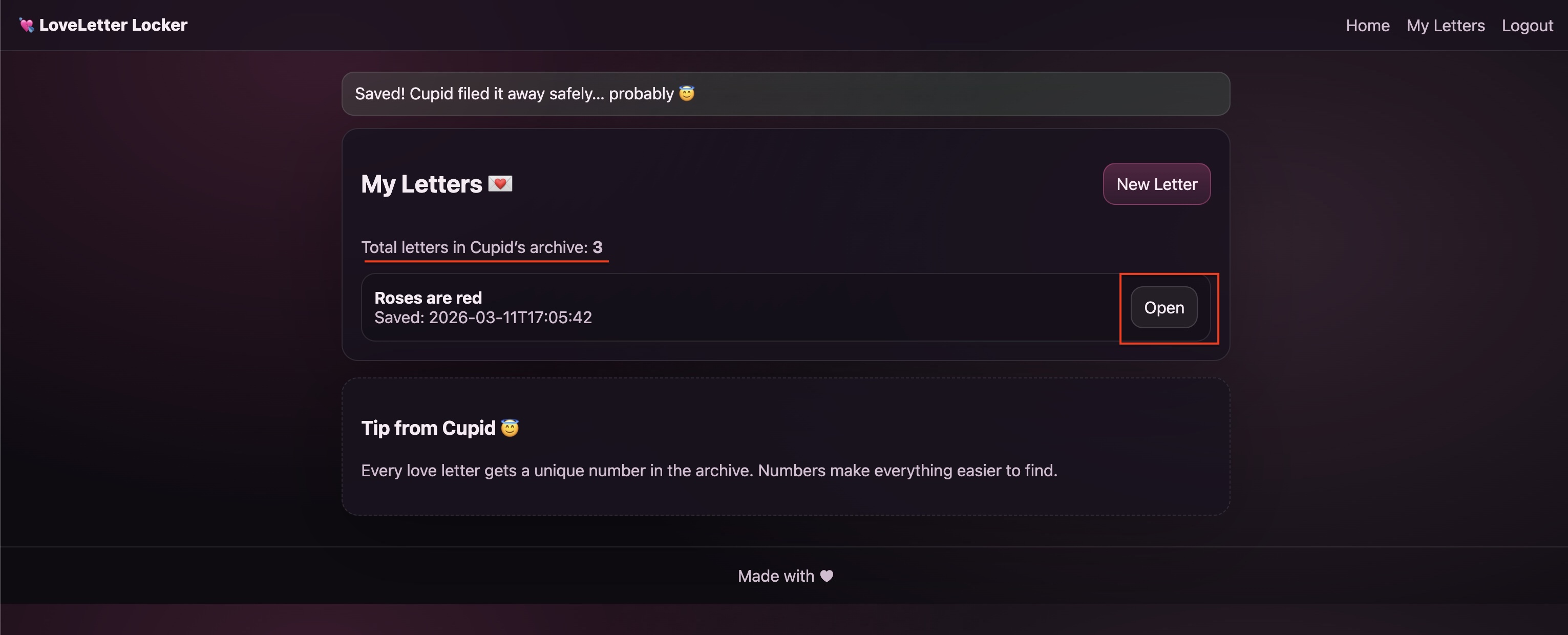
Once the Letter was submitted I was redirected to the dashboard and I noticed two things. First, the Total Letter in Cupid’s Archive increased from 2 to 3. Second, the Letter I saved is now accessible from the dashboard.
7 - Accessing the created message
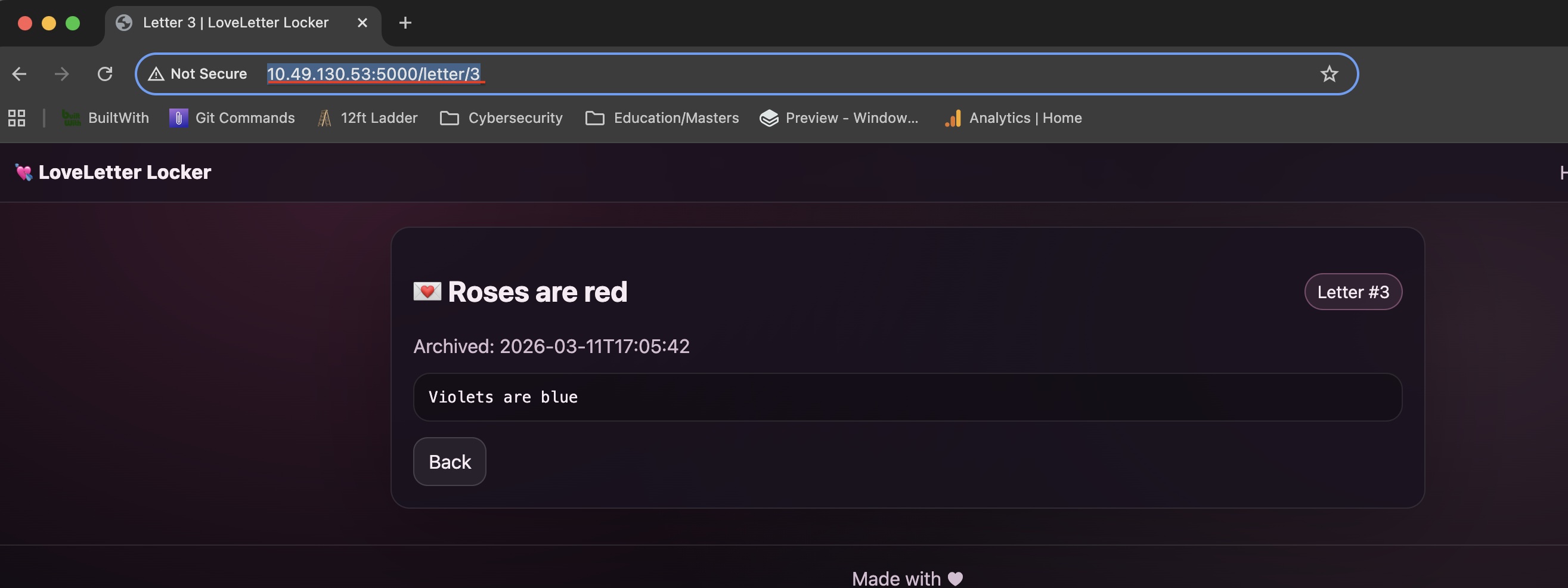
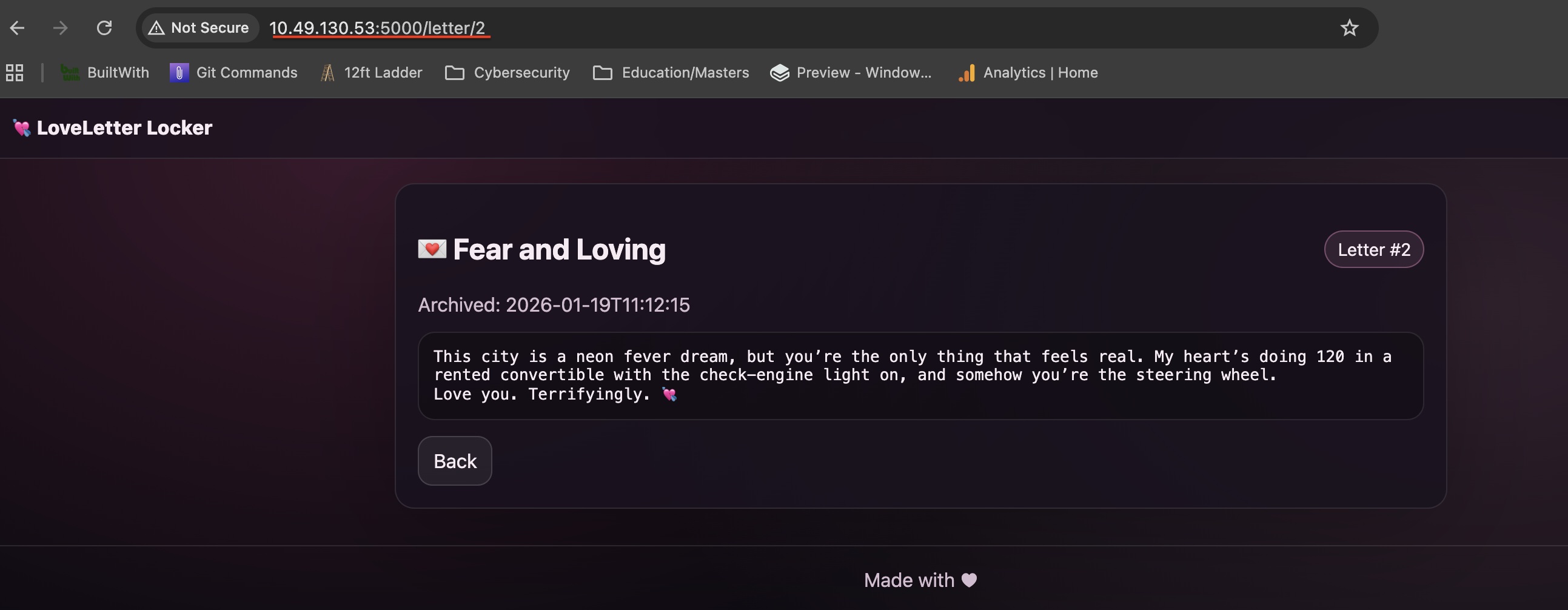
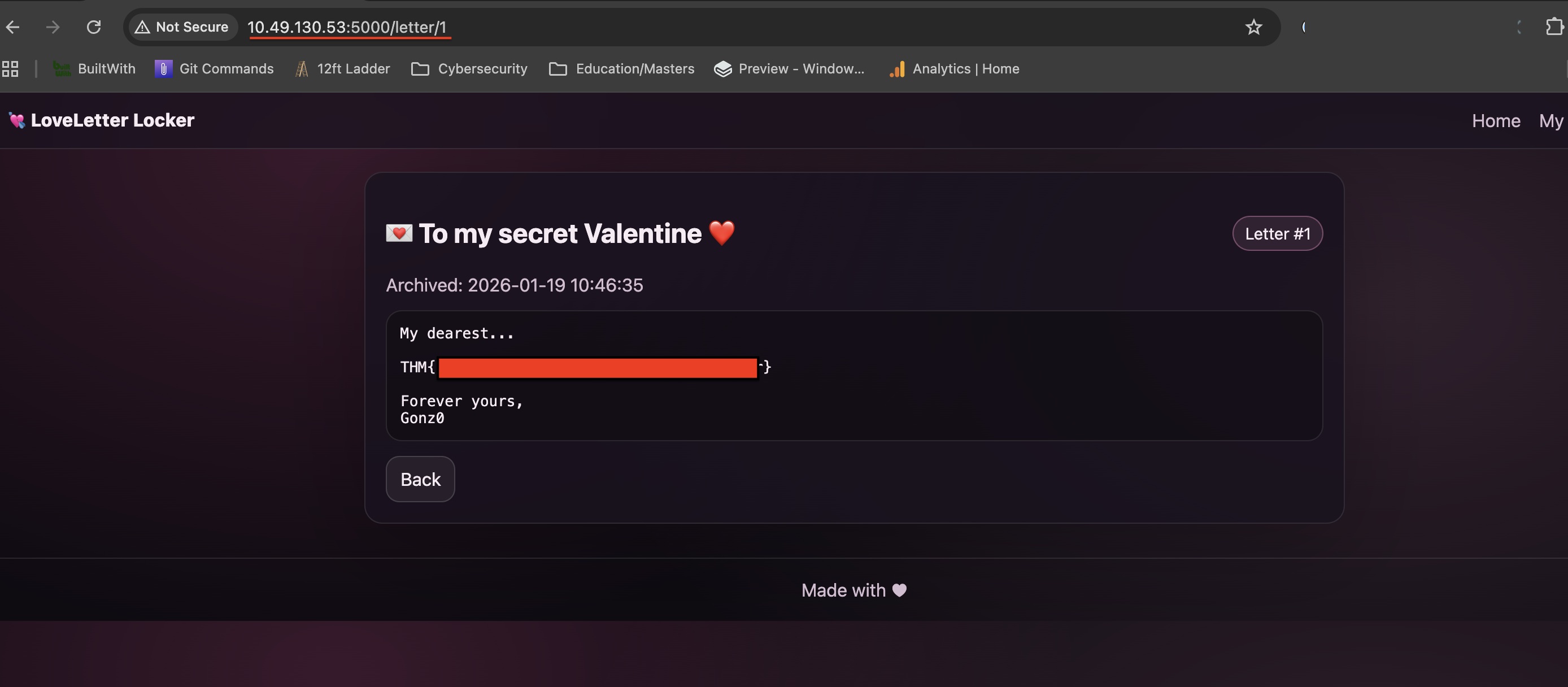
From the dashboard I selected Open to view the message that I sent earlier. All the message details were correct. However, I noticed that the URL path is: http://10.49.130.53:5000/letter/3 Also I remember that the dashboard mentioned 2 letters in the archive. So, I backtracked to http://10.49.130.53:5000/letter/2 and found someone else’s message. Finally, I visited http://10.49.130.53:5000/letter/1 which contained the flag!
Recap
- I visited the webapp and inspected the source code and didn’t find anything out of the ordinary.
- I tested the login flow and it seems to work (I can’t login without registering).
- I registered an account and logged into it.
- Once logged in - the dashboard revealed that are 2 messages stored.
- I created a new message and opened it.
- The message that I created had a URL Path that seemed vulnerable to IDOR (Indirect Object Reference)
- I tested whether I can access other messages following the numbering of the URL and indeed I was able to
- I cycled through the 2 messages and found the flag.
⚠️ Note: The text write up above was NOT edited or corrected by any AI tool and it's intentionally left this way with its' human flaws